TopeRC / RadioMaster MT12 tooling
MT12OverlayStudio
Build frame-accurate transparent video overlays from RadioMaster MT12 telemetry logs with a visual editor, Lua logger installer, and ProRes or PNG export.
Telemetry overlays for RC footage
Turn MT12 radio logs into video-ready telemetry.
MT12OverlayStudio is a TopeRC desktop tool for RC crawling and trail driving videos. It installs EdgeTX logger scripts on a RadioMaster MT12, reads the resulting CSV telemetry, lets you design animated widgets on a frame preview, and exports a transparent overlay that can be composited in an editor.
Workflow
From radio SD card to timeline overlay.
Install the logger.
Connect the MT12 by USB and let the app copy the Lua scripts into the correct EdgeTX folders, or copy them manually from the repository.
Load a session.
Pick a CSV directly, or let the app scan connected EdgeTX drives and list logs by model and recording date.
Design the overlay.
Place gauges, bars, graphs, and text widgets over a live preview. Scrub through the session to see real values animate.
Render for editing.
Export a transparent MOV through ffmpeg or a PNG frame sequence for compositing in DaVinci Resolve, Premiere, Final Cut, or similar tools.
01 - Install
Set up the radio.
The install view detects the MT12 SD card when possible and copies the bundled Lua logger scripts to the right EdgeTX locations.
02 - Load
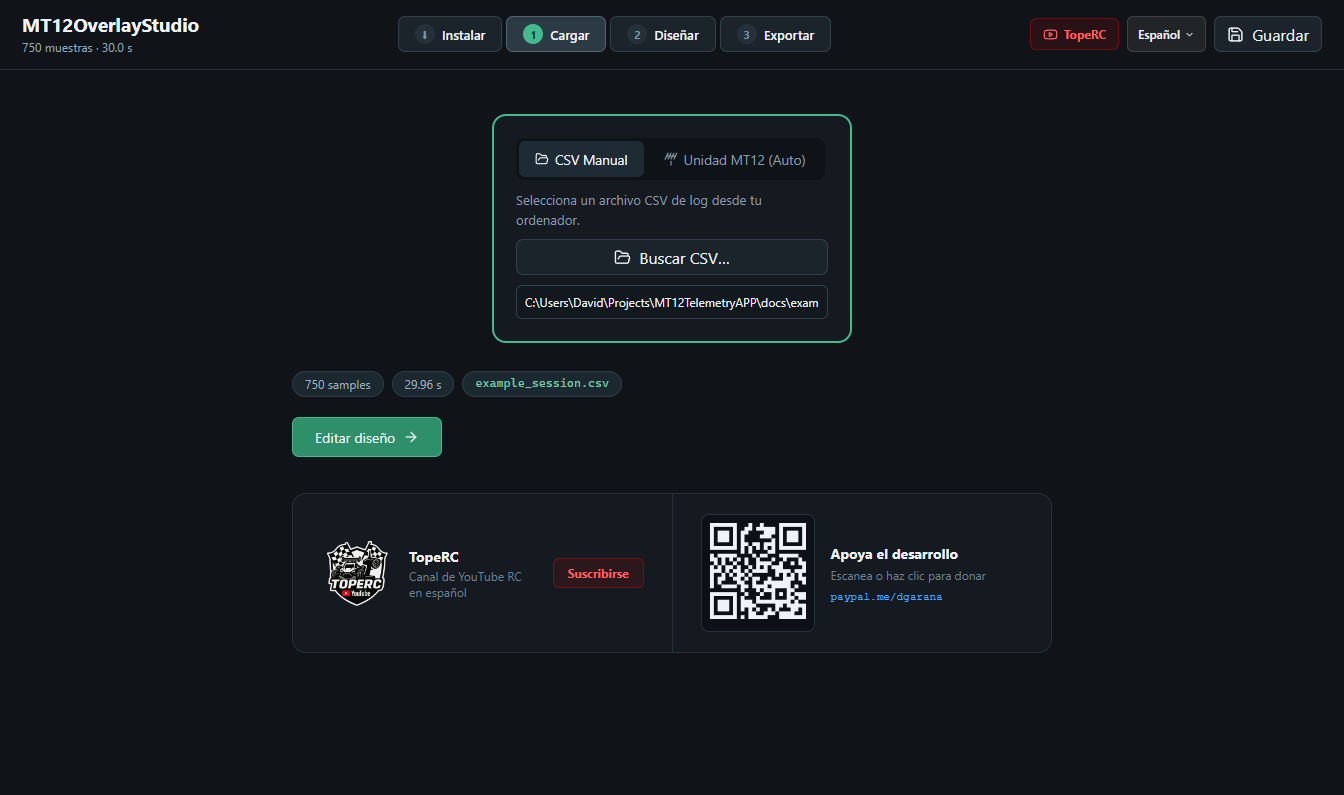
Pick telemetry.
The source view loads manual CSV files or scans connected EdgeTX units so the right driving session is easy to find.
03 - Design
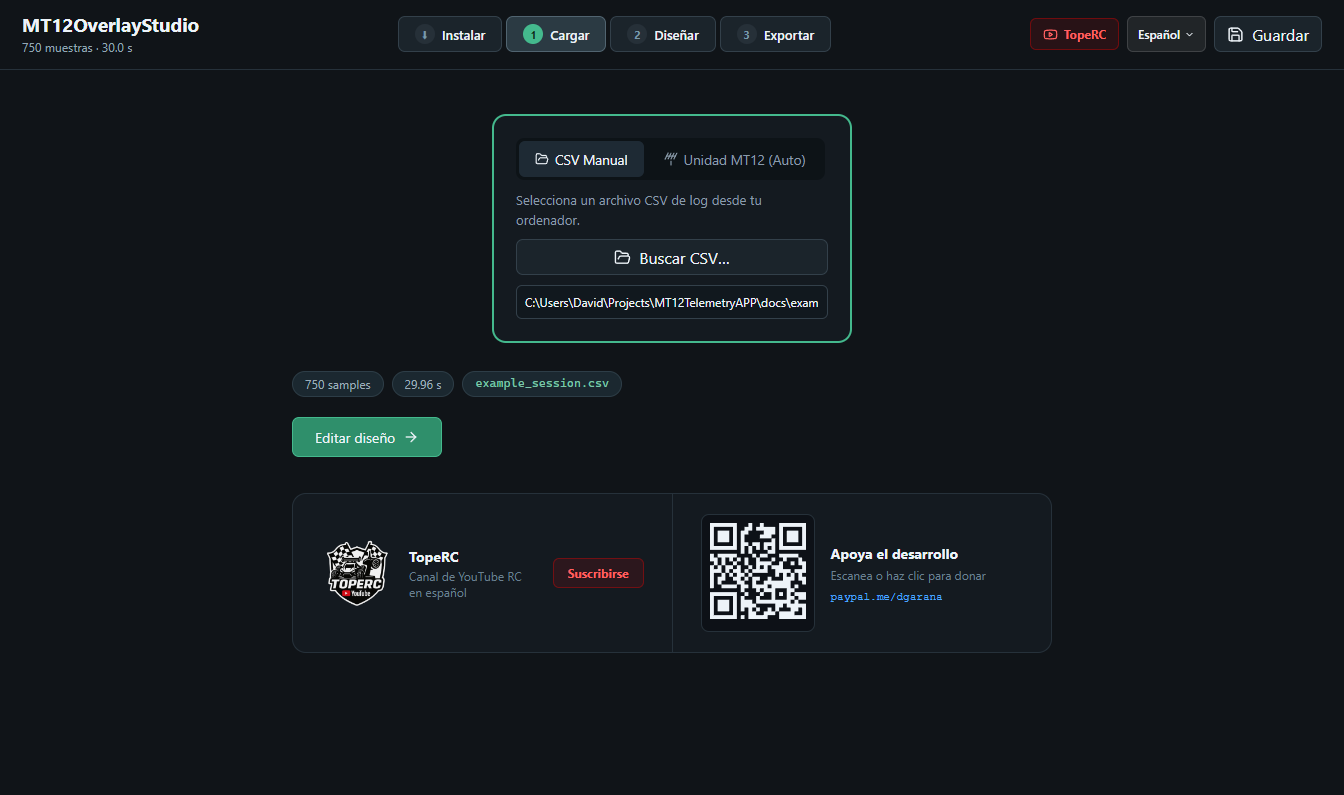
Build the overlay.
Widgets are edited directly on the preview with precise position, size, rotation, color, shadow, source, and type controls in the inspector.
04 - Transform
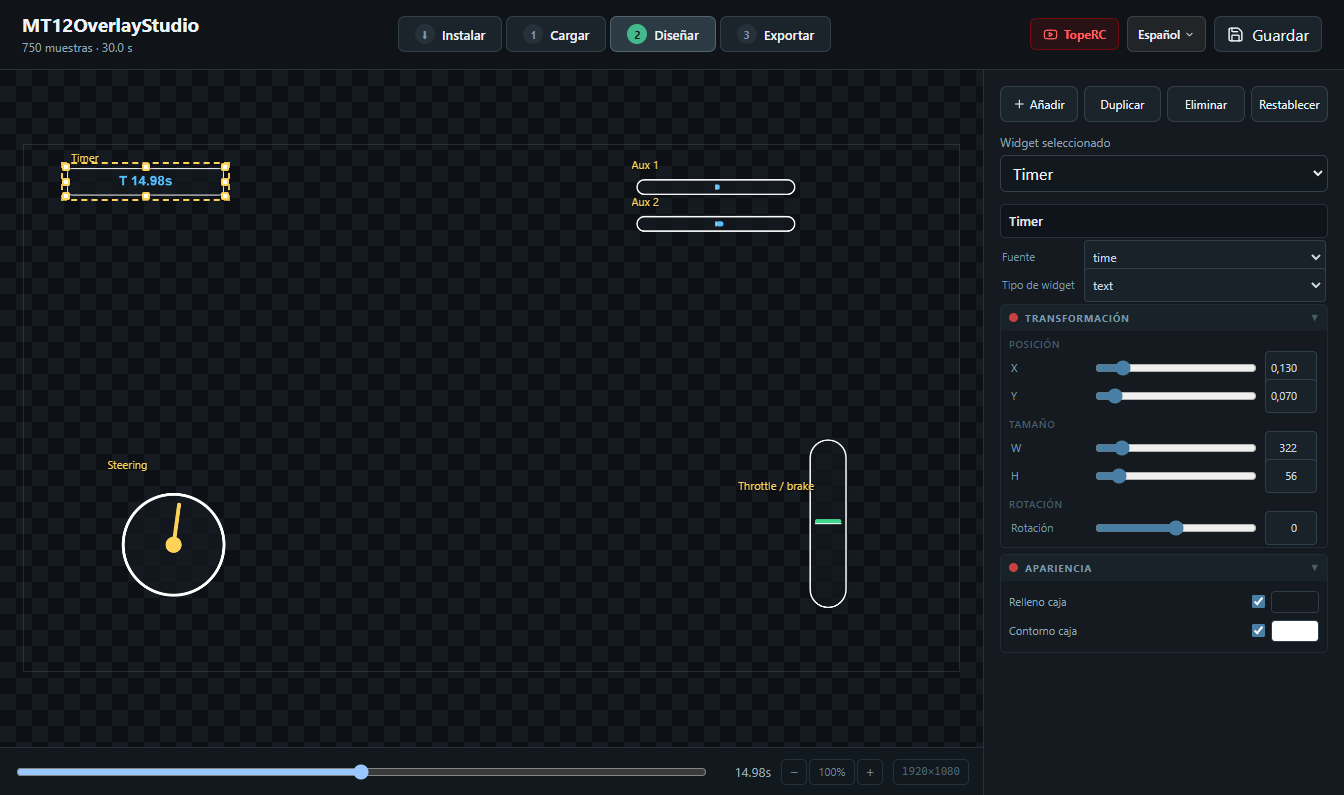
Shape raw signals.
Per-widget data pipelines can chain running minimum, maximum, average, and percentage range transforms so raw EdgeTX values become readable overlay motion.
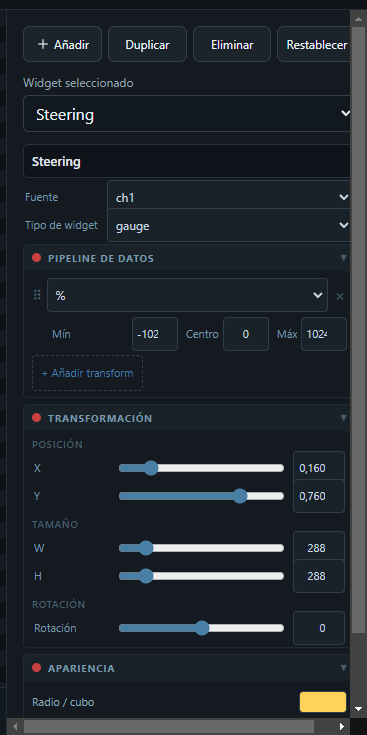
05 - Export
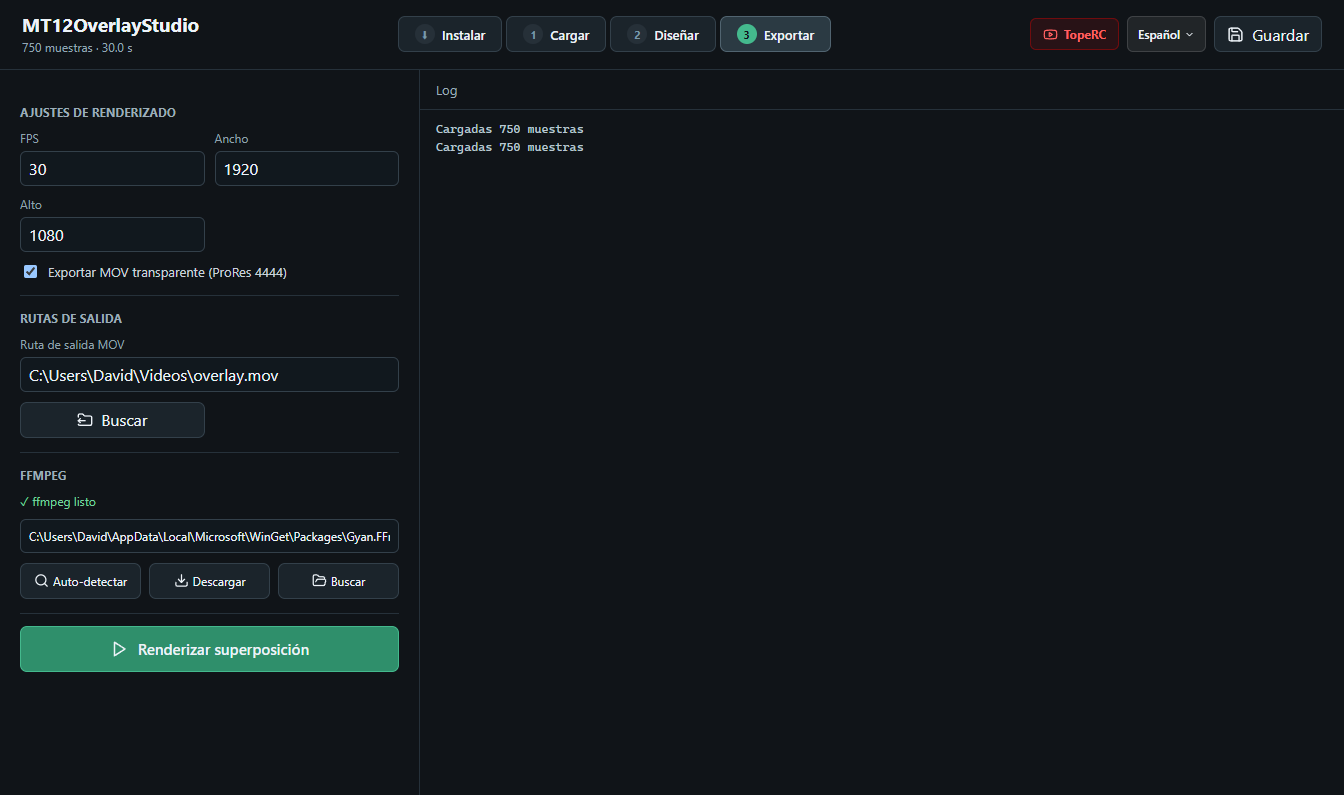
Render transparent video.
Configure FPS, output size, ffmpeg, MOV output, or PNG sequences and watch progress frame by frame while the overlay is rendered.
EdgeTX logger
The app ships with the radio-side scripts.
The repository includes the Lua scripts that run on the MT12 and write CSV rows from discovered radio sources. The app packages those scripts as extra resources, so installing them to the radio does not need internet access.
| Repo file | SD card destination |
|---|---|
RCLOG/RCLOGC.lua | SCRIPTS/RCLOG/RCLOGC.lua |
TELEMETRY/RCLOG.lua | SCRIPTS/TELEMETRY/RCLOG.lua |
TOOLS/RCLOG.lua | SCRIPTS/TOOLS/RCLOG.lua |
CSV columns are discovered from the radio. Typical analog values arrive as raw EdgeTX ranges, usually -1024..1024, and are transformed inside the overlay editor.
Technical specs
Electron app internals, documented.
| Layer | Technology |
|---|---|
| Shell | Electron with a preload bridge and IPC command routing |
| Frontend | React, Vite, TypeScript, i18next, and lucide-react |
| Canvas | Shared widget drawing code for live preview and export |
| Export | @napi-rs/canvas in the main process plus ffmpeg for transparent MOV output |
| Radio integration | EdgeTX SD-card detection, Lua script installation, and log listing |
| Widgets | Gauge, bar, graph, and text widgets with per-widget data pipelines |
| Languages | English, Spanish, German, and French selectable at runtime |
| Distribution | electron-builder for Windows, macOS, and Linux with electron-updater |
Install MT12OverlayStudio
Download the build for your operating system.
The app is published from the TopeRC GitHub organization because it belongs to the RC content/tooling world, but it is maintained by dgarana.
Download the setup file.
Use the MT12OverlayStudio-x.x.x-setup.exe asset from the latest release.
Download the DMG.
Pick Apple Silicon arm64 or Intel x64 depending on your Mac.
Download AppImage or deb.
Use the portable AppImage or install the Debian package on compatible distributions.
Development
Built like a focused desktop production tool.
npm install
npm run start:dev
npm run typecheck
npm run build
npm run smoke