Cross-platform music app
FMusic
Download music from YouTube or import local files, manage a portable SQLite library, edit metadata and audio with bookmarks, play locally, cast to Sonos, stream to a phone, and control playback from an AI assistant through MCP.

The local-first music workstation
Your music, your files, your library.
FMusic turns discovery, downloading, local imports, library management, editing, playback, casting, and AI-assisted control into one desktop flow. It is for people who want the control of local files without giving up the convenience of modern music tooling.
AI integrated through MCP
Two agents. One music library.
FMusic exposes a local MCP server so Claude can control playback and Codex can research, search, and queue downloads through the same local tools.
what is playing?
called fmusic_player_state
Nothing is playing right now. The player is stopped and the queue is empty.
play something random
called fmusic_search_library
called fmusic_play_track
Playing Strobe by deadmau5. A classic.
>
download the top 2 techno songs for 2026
I’ll verify a current techno chart first, then use FMusic to find and queue matching tracks.
searched web: 2026 techno top tracks chart
called fmusic.download_search_youtube
called fmusic.download_enqueue_url
Queued two matching tracks as 320kbps MP3 downloads and checked the downloader state.
>
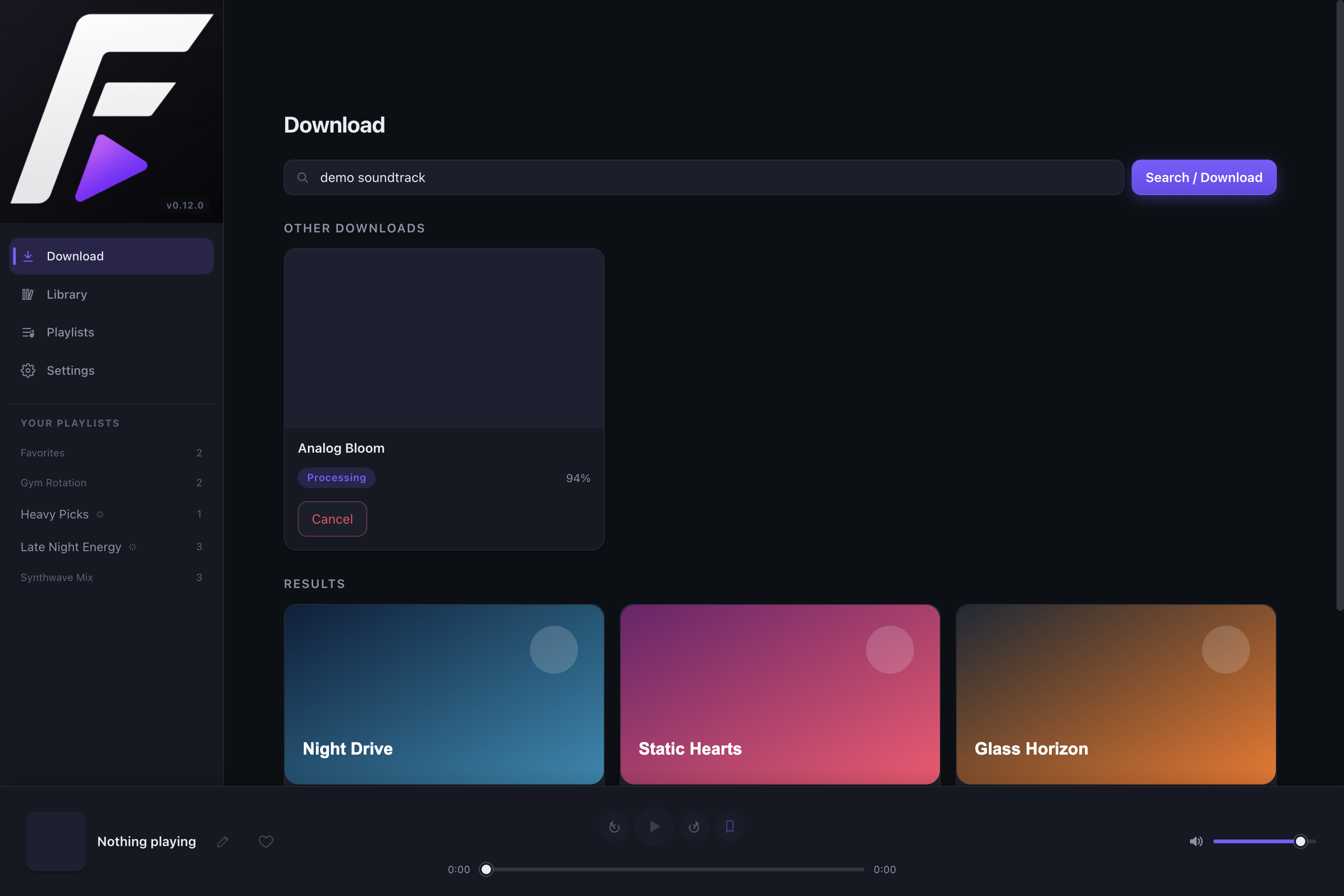
01 - Capture
Capture music.
Queue tracks from YouTube, import playlists, follow live progress, resume cancelled jobs, and avoid duplicate downloads before they clutter the library.
02 - Organize
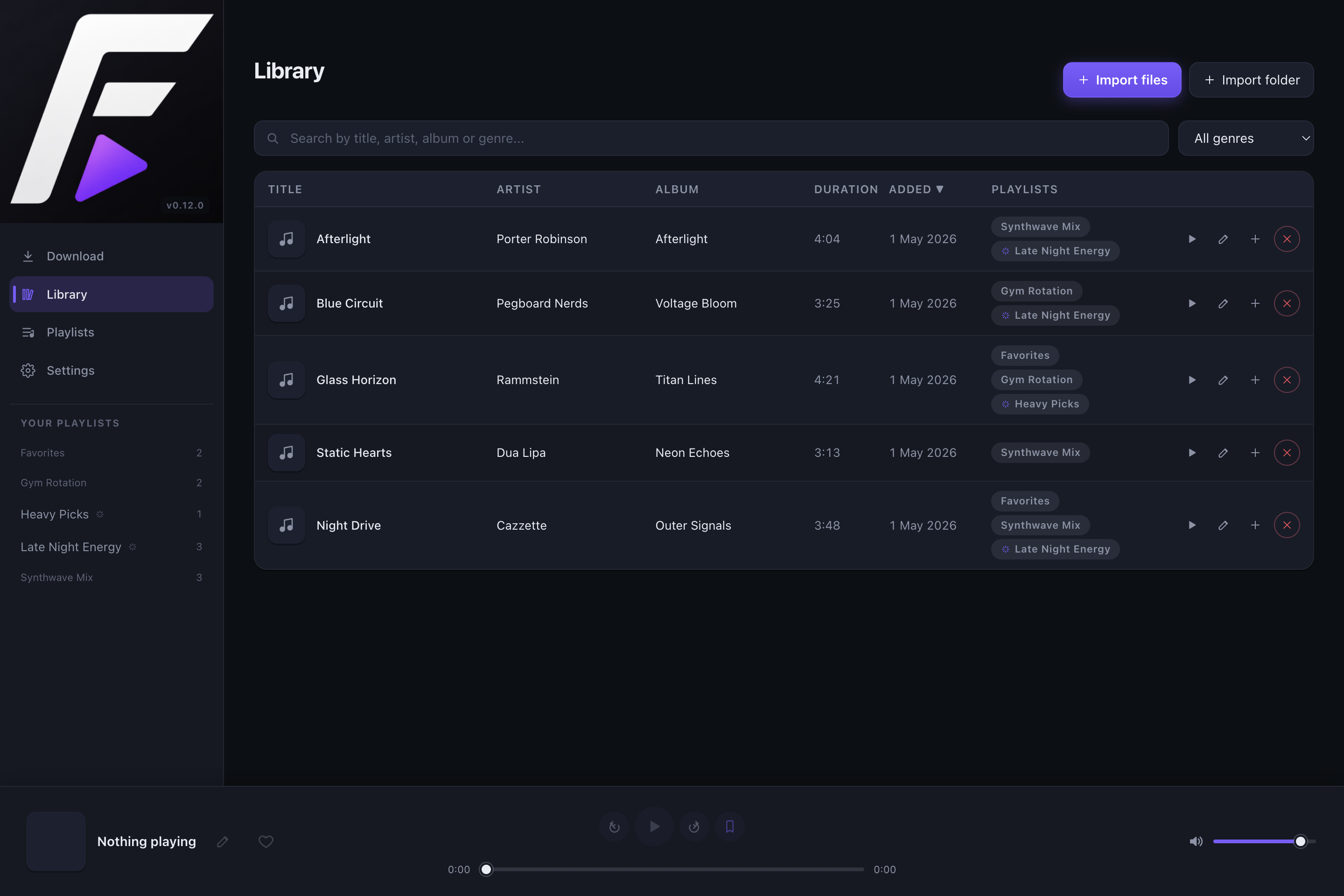
Organize it.
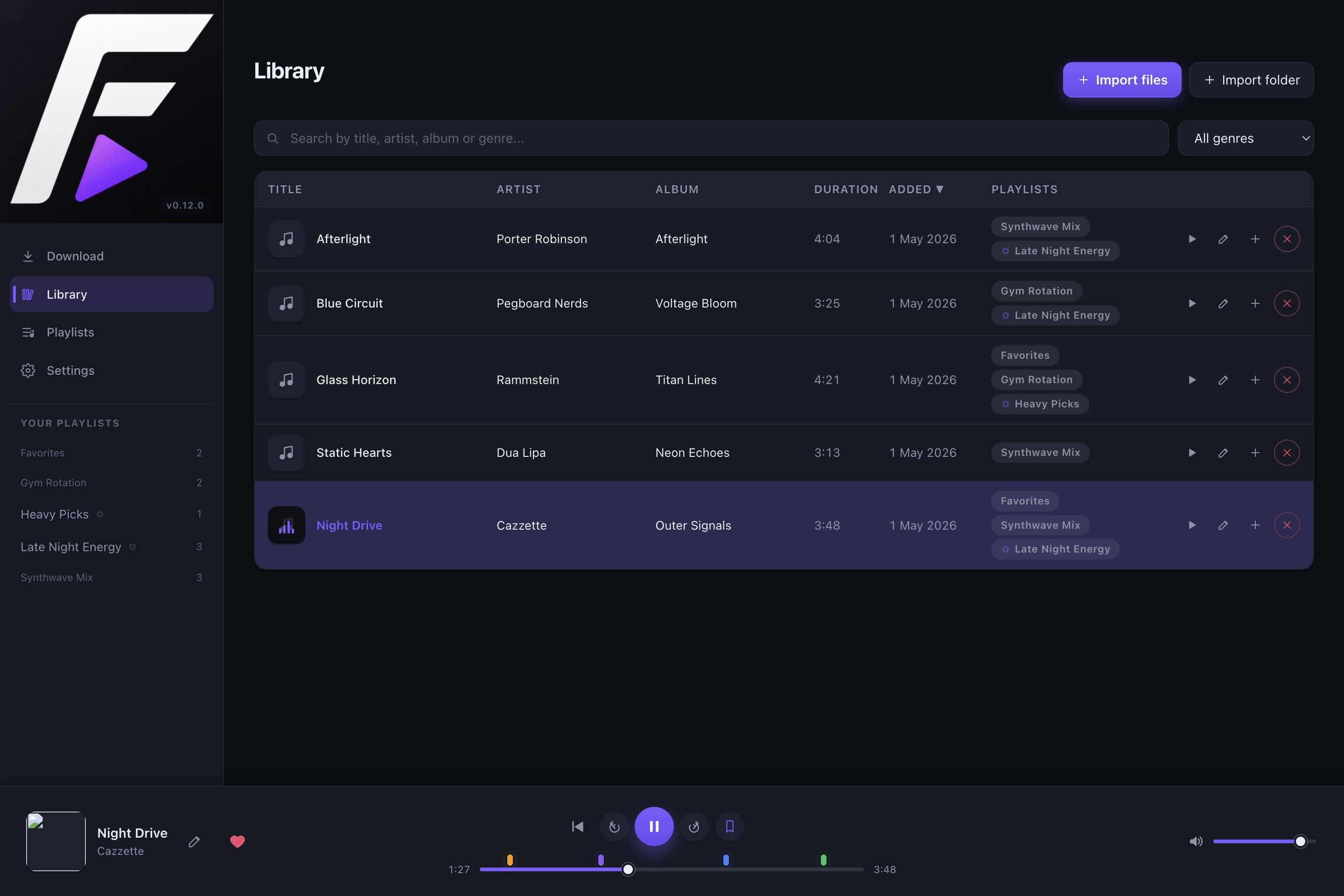
Sort, search, filter by genre, import local files or folders, clean up missing tracks, move the library folder safely, sync MP3 tags, and use MusicBrainz lookup when the original source is messy.
03 - Curate
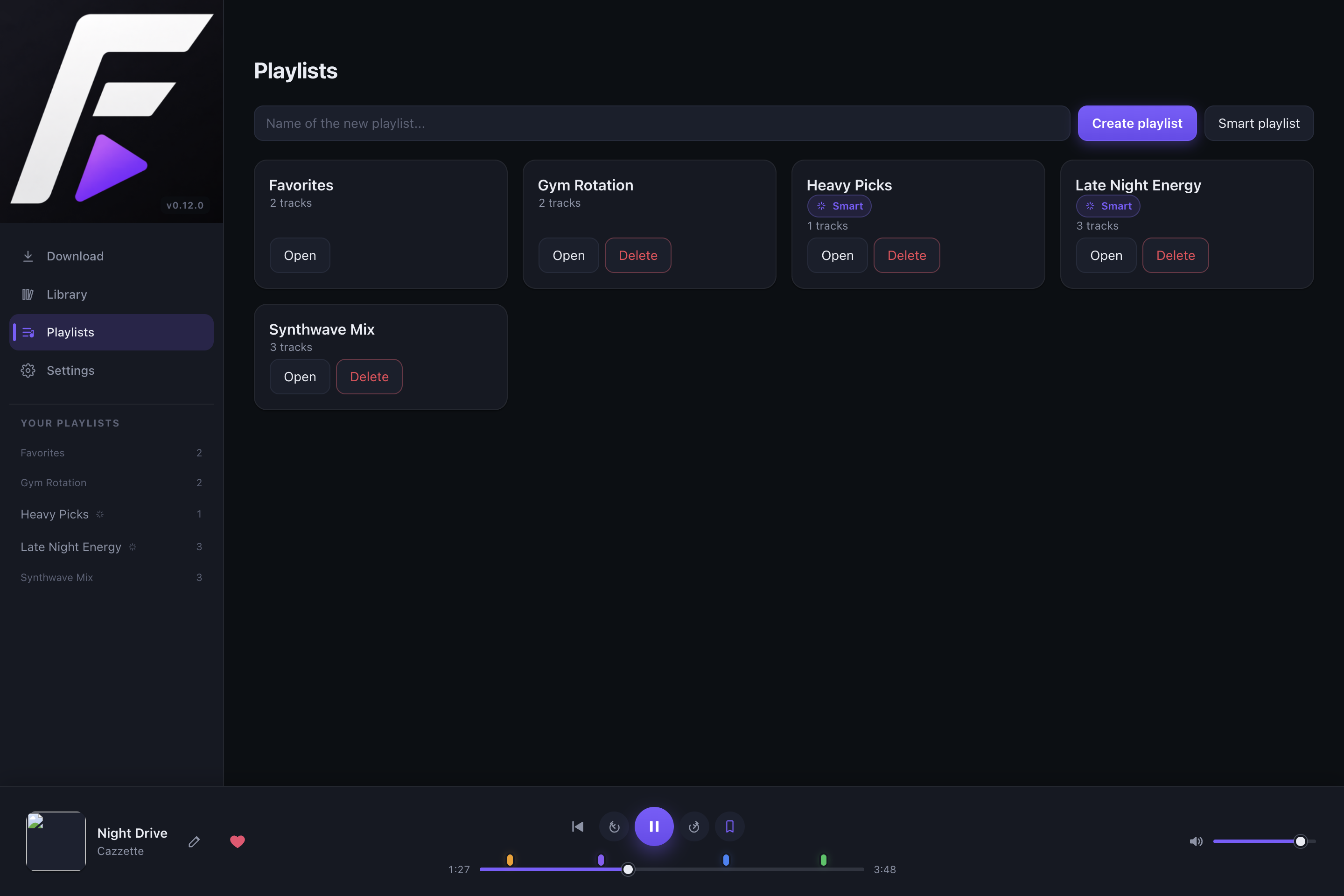
Curate playlists.
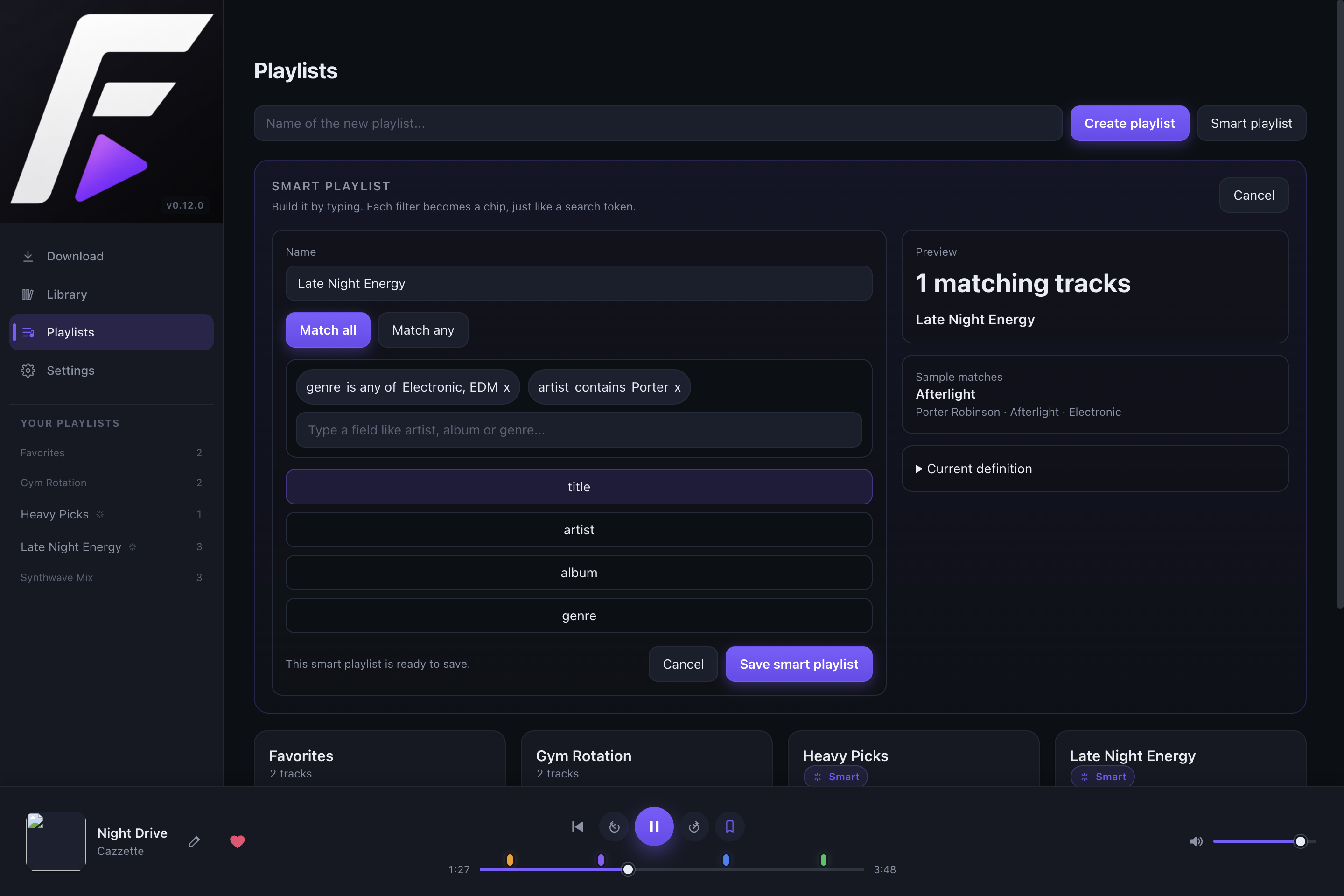
Create playlists, reorder tracks, keep Favorites protected, and build smart playlists from saved filter chips so the library reshapes itself around how you listen.
04 - Shape
Shape audio.
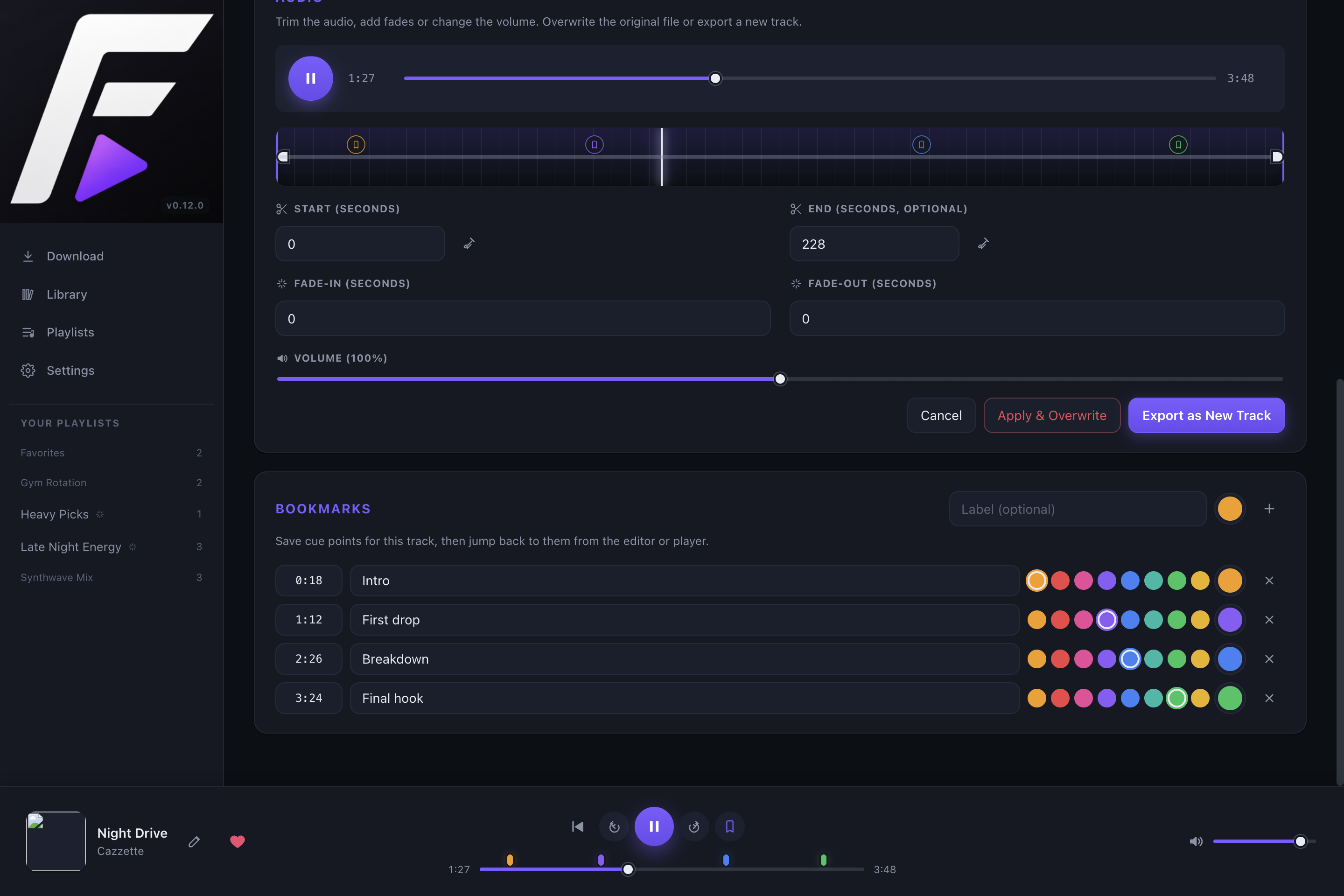
The audio workbench makes quick edits feel native: trim silence, add fades, adjust volume, export a copy, or manage named, color-coded cue points you can jump to later from the editor, player, or remote controller.
05 - Play everywhere nearby
Play anywhere.
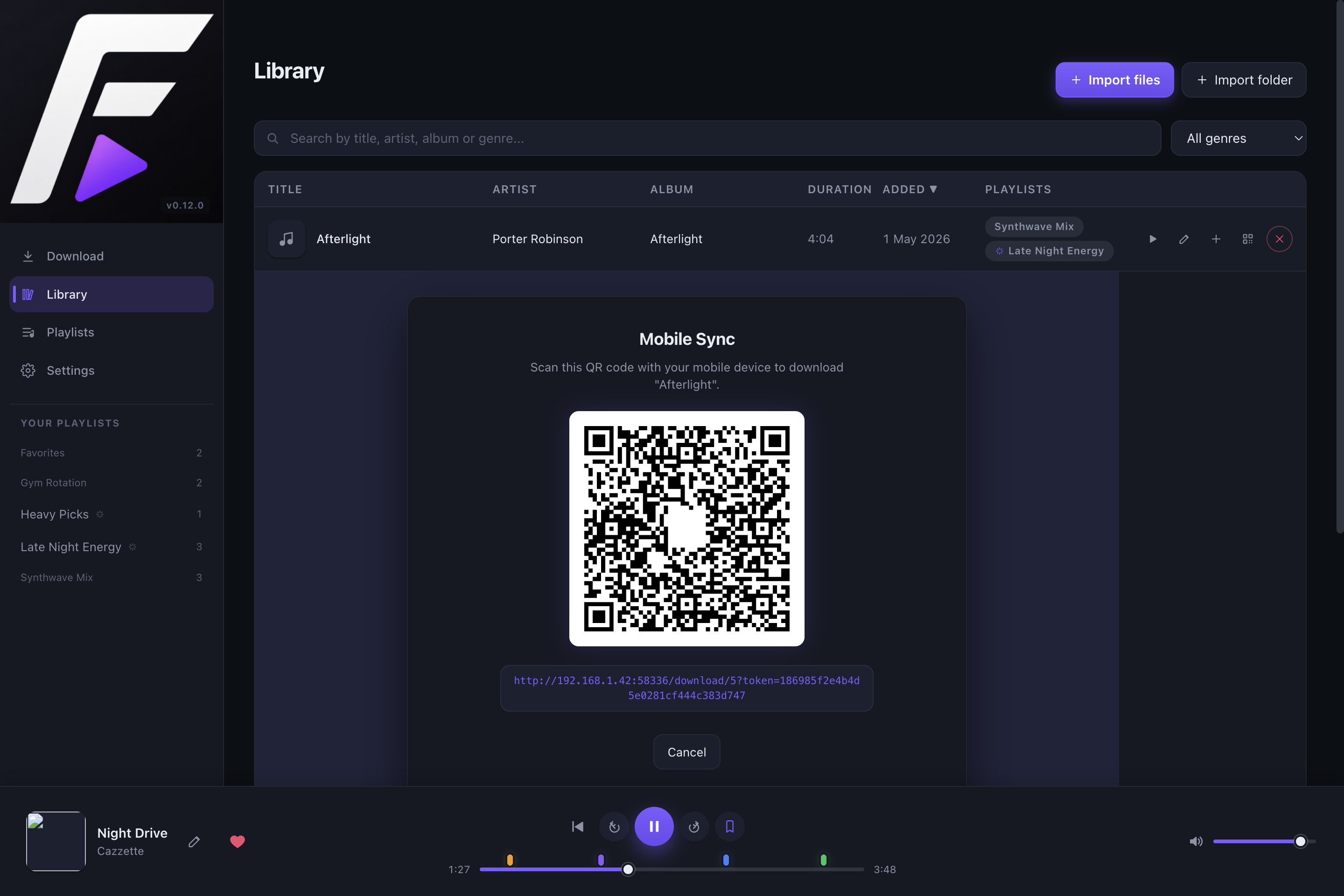
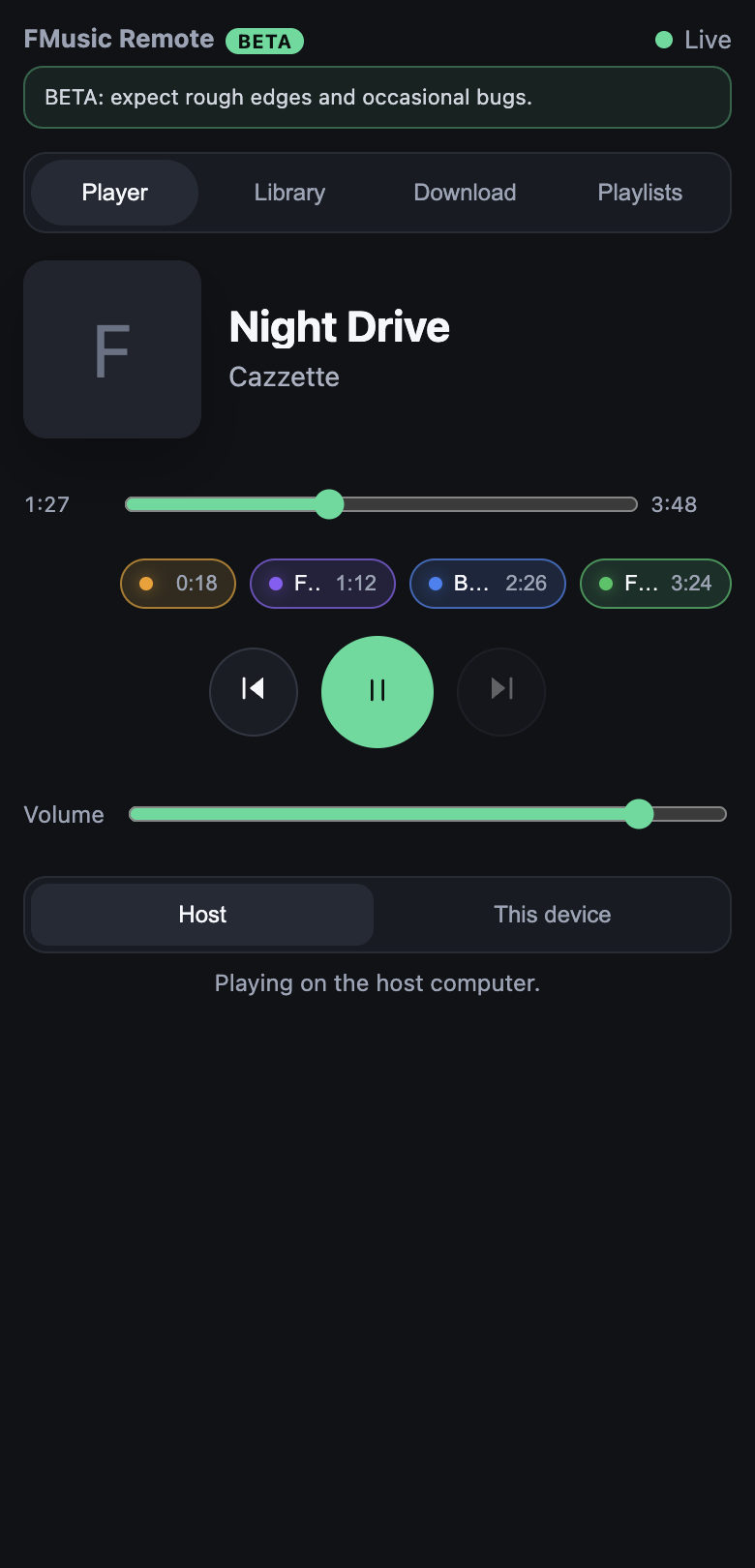
Listen through the integrated player, cast to Sonos with seek support, download tracks to a phone via QR, control the desktop app from a browser on the same Wi-Fi, stream a track directly to that browser, or let an AI assistant inspect and control playback through MCP.
Problem specs
Built around real listening workflows.
I want music offline.
Bundled yt-dlp and FFmpeg prepare audio without requiring Python on the user's machine, while local file and folder imports bring existing collections into the app.
I want a clean library.
SQLite, relative paths, missing-file cleanup, metadata editing, genre filters, cover art, playlists, smart playlists, and favorites keep files understandable and portable.
I want to fix the audio.
Trimming, fades, volume changes, preview, exports, and bookmarks solve the common post-download cleanup tasks.
I want it beyond the laptop.
Sonos casting, QR mobile sync, browser playback on a phone, MCP control, tray controls, and a mini player extend playback around the room and into AI workflows.
Technical specs
Desktop app internals, documented.
| Layer | Technology |
|---|---|
| Shell | Electron with context isolation |
| Frontend | React, Vite, TypeScript |
| State | Zustand |
| Local audio | Howler.js and a custom media protocol with Range requests |
| Database | better-sqlite3 with versioned migrations |
| Metadata | music-metadata and node-id3 |
| Downloads | yt-dlp and FFmpeg |
| Portability | Local file/folder imports, relative library paths, move support, and missing-file cleanup |
| Sonos | UPnP / AVTransport via @svrooij/sonos |
| Remote control | Token-protected local web UI with host control or direct browser playback |
| AI control | Local MCP server for assistant-driven playback, library search, playlists, and downloads |
| Distribution | electron-builder for Windows, macOS, and Linux |
Install FMusic
Download the build for your operating system.
The app is distributed from GitHub Releases. Open the latest release, download the installer or package for your platform, and launch FMusic like any other desktop app.
Download the DMG.
Open the .dmg, drag FMusic into Applications, then launch it from Applications or Spotlight.
Download the installer.
Run the Windows .exe installer from the release assets and follow the setup flow.
Download AppImage or deb.
Use the .AppImage for a portable build, or install the .deb package on Debian/Ubuntu-based systems.
Developer path
Run it, test it, package it.
npm install
npm run devnpm run typecheck
npm run test
npm run build
npm run screenshots:readme
npm run dist:mac
npm run dist:linux
npm run dist:winnpm install runs the postinstall workflow that prepares yt-dlp and FFmpeg under resources/bin/. For CI or typecheck-only environments, skip binary downloads:
FMUSIC_SKIP_BINARIES=1 npm install